How does DiveScanner compare liveaboard prices?
For the month you choose, DiveScanner shows every provider's price for a boat side by side, cheapest first, so you compare in one place instead of checking many sites yourself.
Are the prices real and up to date?
Yes. Every price shown is a real, current price for the month you choose. No estimates, no currency conversion, no rounding.
Does DiveScanner show travel warnings and flight cancellations?
Yes. When an airspace closure or an airline route suspension affects flights to a dive destination, a live travel warning shows at the top of this page: what is restricted, which flight routes are suspended and until when, and the corridor that is still open. It links to the official live status and appears only while a warning is really active. See the current status for every destination on the
travel warnings page.
What do the destination and month filters do?
They find boats that have a real departure in that destination and month. If no provider has a real departure for a boat that month, the boat is not shown at all, like a seasonal boat out of season.
What does the marine life filter do?
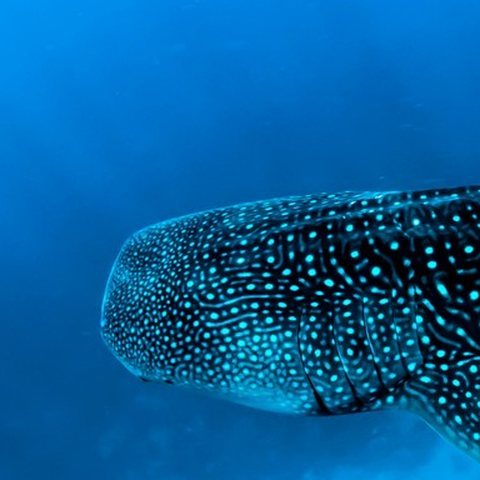
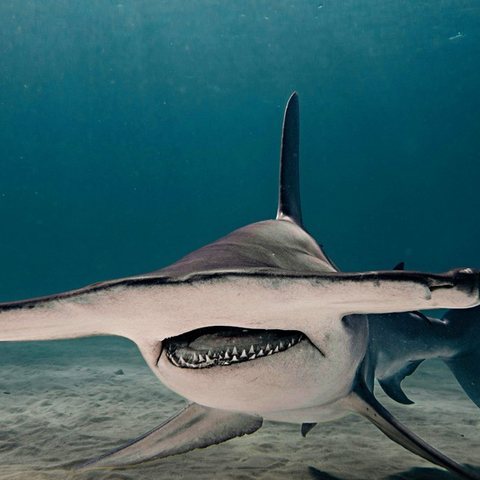
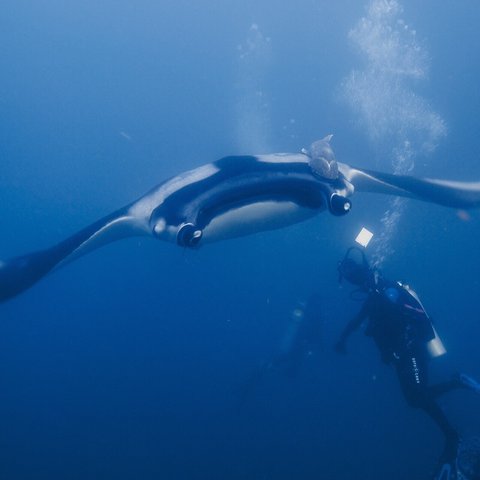
Pick the animals you hope to see, such as sharks, hammerheads, tiger sharks, whale sharks, manta rays, dolphins or lionfish. DiveScanner shows each boat's realistic probability for that species at that destination and time of year, ranked best place first, from a seasonal knowledge base. Wildlife is optional. Trips still show without it.
Read how this marine life advice is built.How does the dive level and certification filter work?
Choose your certification and number of logged dives and DiveScanner only shows boats and routes suitable for your experience, so you are not offered a route beyond your level.
What is the Wrecks filter?
Wrecks is a separate filter for wreck diving itineraries, currently the Red Sea in Egypt. It matches a boat to the actual wreck itinerary sailing that month and applies the certification level that route needs. An easy North and Wrecks route suits Open Water, while harder wreck routes need Deep and 50 or more logged dives. Diving inside a wreck needs the Wreck Diver specialty.
Do I book on DiveScanner?
No. DiveScanner is a comparison engine, not a booking agent. When you find the trip you click through to the operator or travel partner to complete the booking. Final price, cabin availability, payment and booking terms are handled by them.
Is DiveScanner free?
Yes. DiveScanner is free to use and does not charge you anything. You compare trips here and book directly with the operator or travel partner.
What is a liveaboard and how does it work?
A liveaboard is a boat you live aboard for several days so you can dive sites that are too far to reach from shore. You usually dive three to four times a day and sleep on board between sites. Meals, cabins, tanks and guided dives are normally included.
How much does a liveaboard diving trip cost?
It depends on the destination, the boat and the season. The Red Sea and Thailand are the best value, the Maldives and Indonesia sit in the middle, and remote destinations like Raja Ampat and the Galapagos cost the most. Compare live prices here, cheapest first.
Which is the best liveaboard destination for beginners?
The Red Sea northern routes, parts of Thailand and calmer Maldives itineraries suit newer divers, with warm water and easier reef sites. Use the dive level and logged dives filters so you only see trips that match your certification.
Do I need to be an experienced diver to book a liveaboard?
Not always. Many liveaboards accept Open Water divers, while offshore, deep and high current routes ask for Advanced certification and a minimum number of logged dives. Filter by your certification and dive count and you only see trips you are qualified to join.
When is the best time to see whale sharks, mantas or hammerheads?
It depends on the destination. Whale sharks gather in the Galapagos from July to November, in Thailand from February to April, and year round in South Ari Atoll in the Maldives. Mantas peak in Raja Ampat from December to March and in the Maldives in the southwest monsoon. Hammerheads school in the Galapagos and the offshore Red Sea in summer.
Can I find a last minute liveaboard deal?
Yes. If your dates are flexible you can often find cheaper last minute departures and cabins, including solo traveller options. Set your destination and month and sort by price.
What should I look for when comparing liveaboards?
Look beyond the headline price. Check the route and dive sites, the season and likely marine life, the required certification and experience, the cabin type, what is included, and the number of dives per day. DiveScanner lays these out side by side.